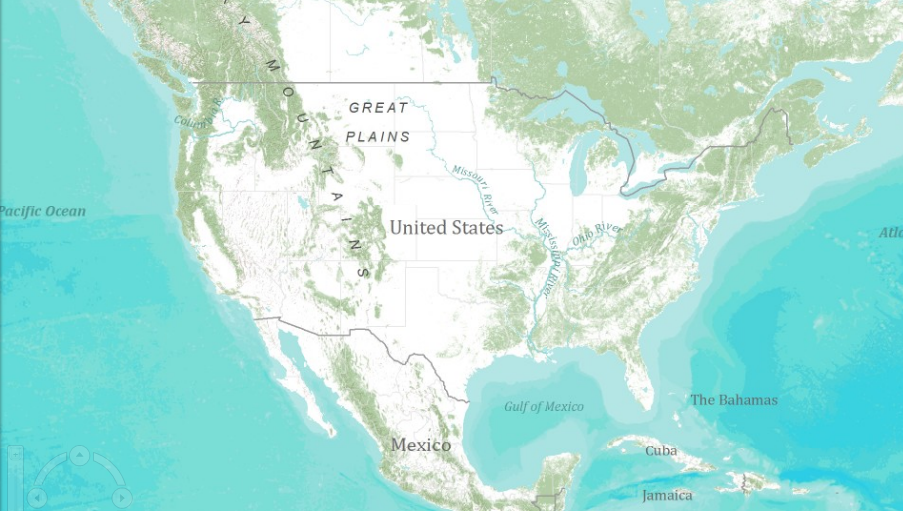
ArcGIS Mapping for SharePoint includes an XML file that is used to initialize the default map for the ArcGIS Map Web Part. This file, named DefaultConfiguration.xml, is deployed to the ArcGIS Mapping Configuration Files document library within each site collection on which ArcGIS Mapping for SharePoint is activated. The default map can easily be modified by editing this XML file. The steps for doing so are outlined below.
-
To navigate to the library containing the configuration file, use the Quick Launch links or the Site Actions menu and select View All Site Content. Under the Document Libraries heading, locate the ArcGIS Mapping Configuration Files library and click it:

-
Once the document library opens, click the DefaultConfiguration item. Then click Edit Document on the Documents tab of the ribbon:

-
A warning may be displayed. If so, click OK:

-
The DefaultConfiguration.xml file will open in your default xml editor:

-
Make your changes and save them. In this example the default basemap has been changed to the topographic basemap:

-
You will see the changes applied next time you add the ArcGIS Map Web Part to a page: